Choosing report card software for your school: 10 questions to ask
Updated 24 October 2026
Report card software can save your staff days every term, or create a new set of problems. Ask these ten questions before you choose.
- Can the card look like ours? Your crest, colours, layout, columns and wording, not a fixed form with your name on top.
- Can we use our own grading? Grade bands, points, best subjects, divisions, exam weights and the new curriculum’s A to E grades.
- How do teachers send marks? From their phones, without installing anything? What stops a mark being typed for the wrong learner?
- Are marks checked before they reach the cards? Impossible marks, missing learners and odd jumps should be caught, not printed.
- Who writes the comments? Can comments be written from our own comment bank, and changed for any learner?
- Does every card fit on one page? Even with 20 subjects and a long name?
- What internet do we need? Does it keep what we typed if the connection drops?
- Is our data safe? Can another school see it? Can we download it, or delete it? Are photos printed only with consent?
- What does it cost, and when? Per term or per year? By the number of learners? Can we try everything before we pay?
- Who helps when something goes wrong? A phone number and a person, at the end of term when it matters most.
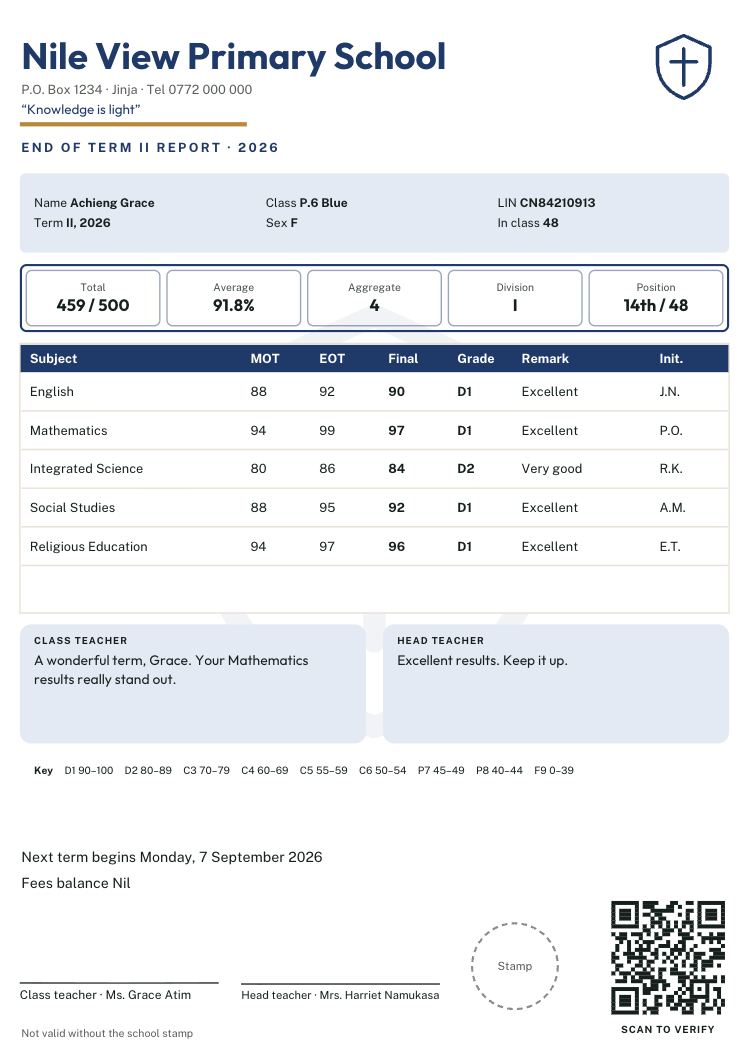
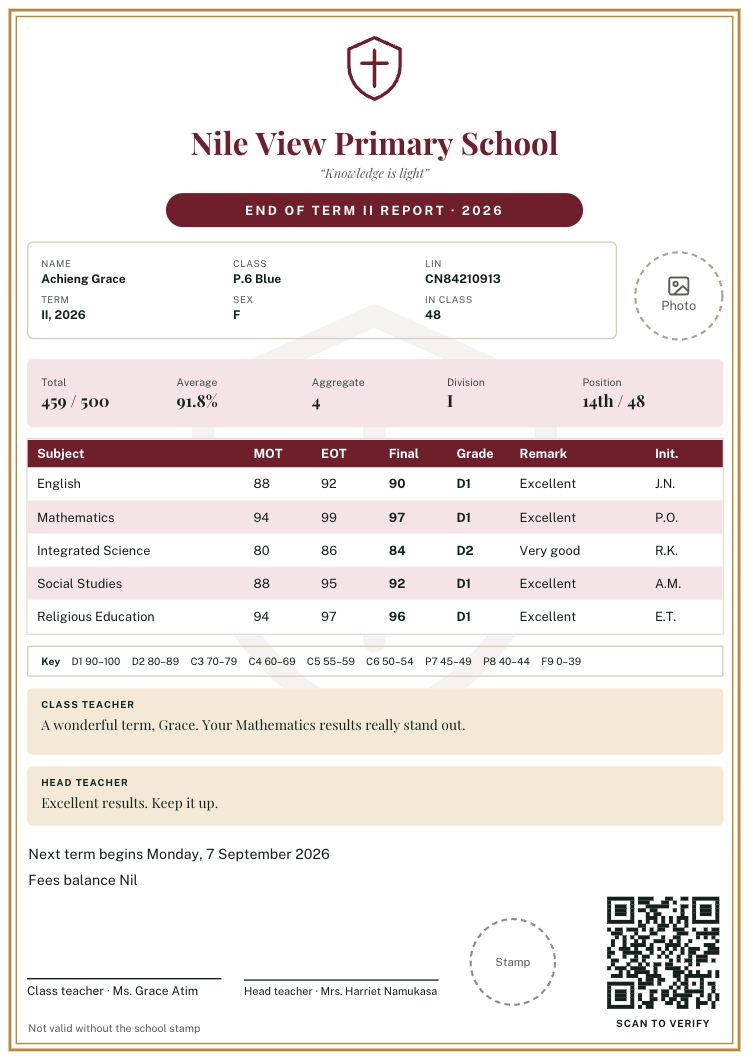
Ask us all ten
Report Card Studio was built with Ugandan schools, from their own feedback. Try every step free: set up, design and check every card, and pay per term only when you print.
Questions? Call or WhatsApp 0784 150 327, or email [email protected].