Report card templates for Ugandan schools: 30 designs
Updated 24 October 2026
Here are 30 report card designs, each shown filled in with an example learner, so you can see how your school’s card could look. Every one can be changed: your crest, colours, subjects, columns, comments and signatures.
Primary report card templates
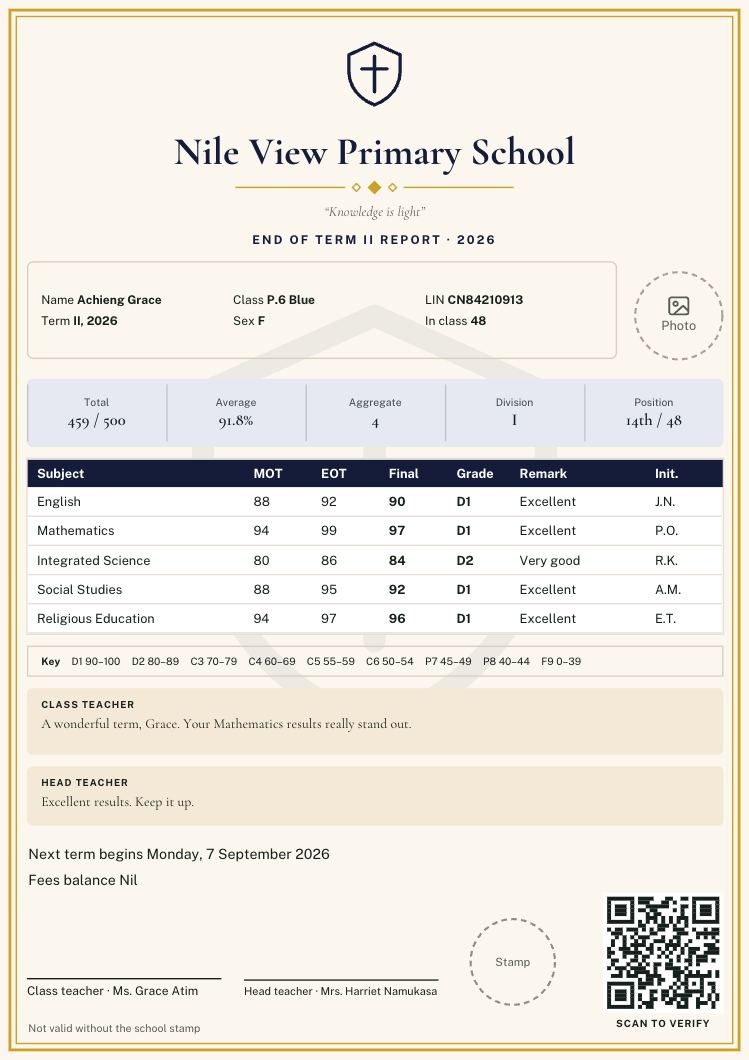
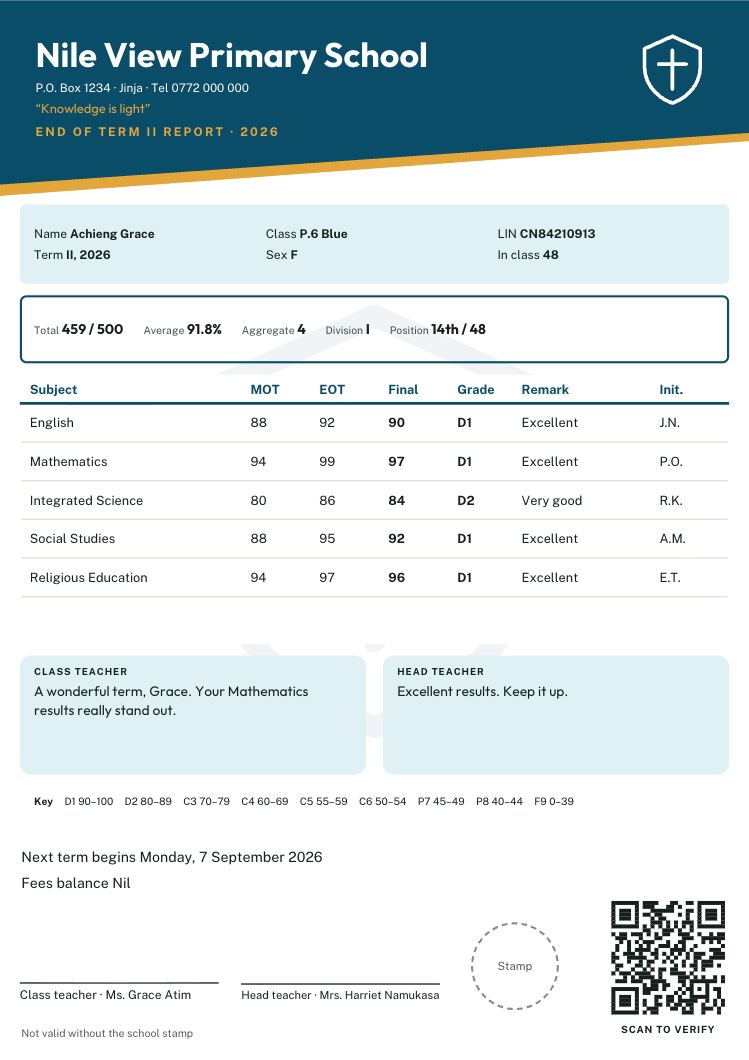
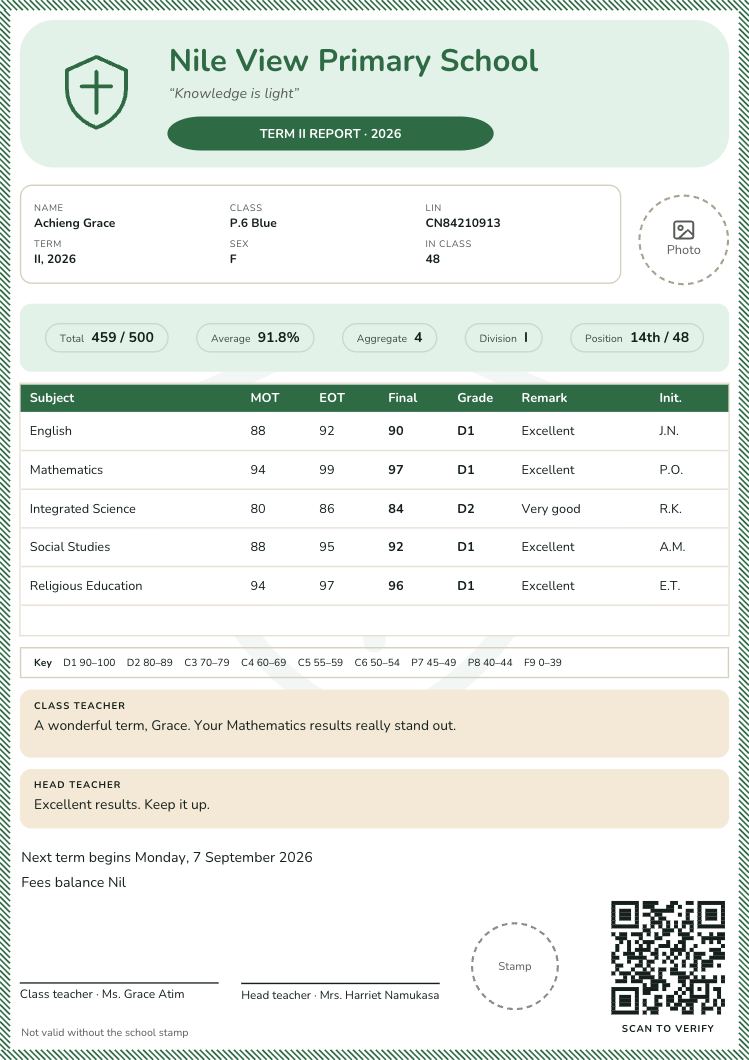
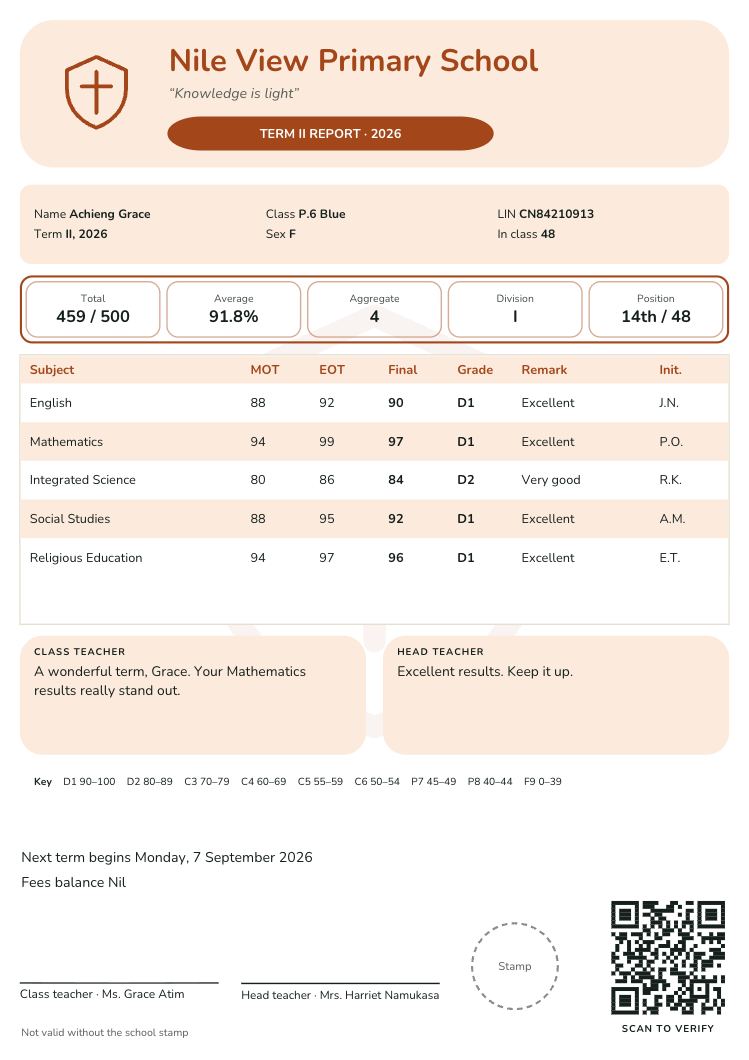
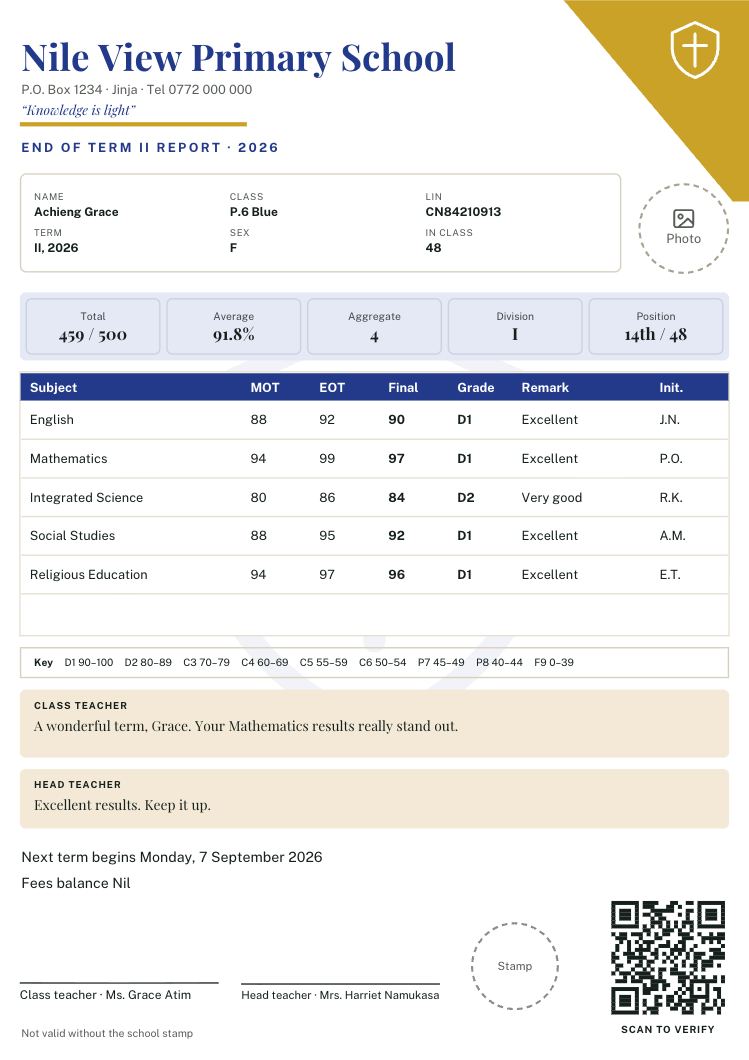
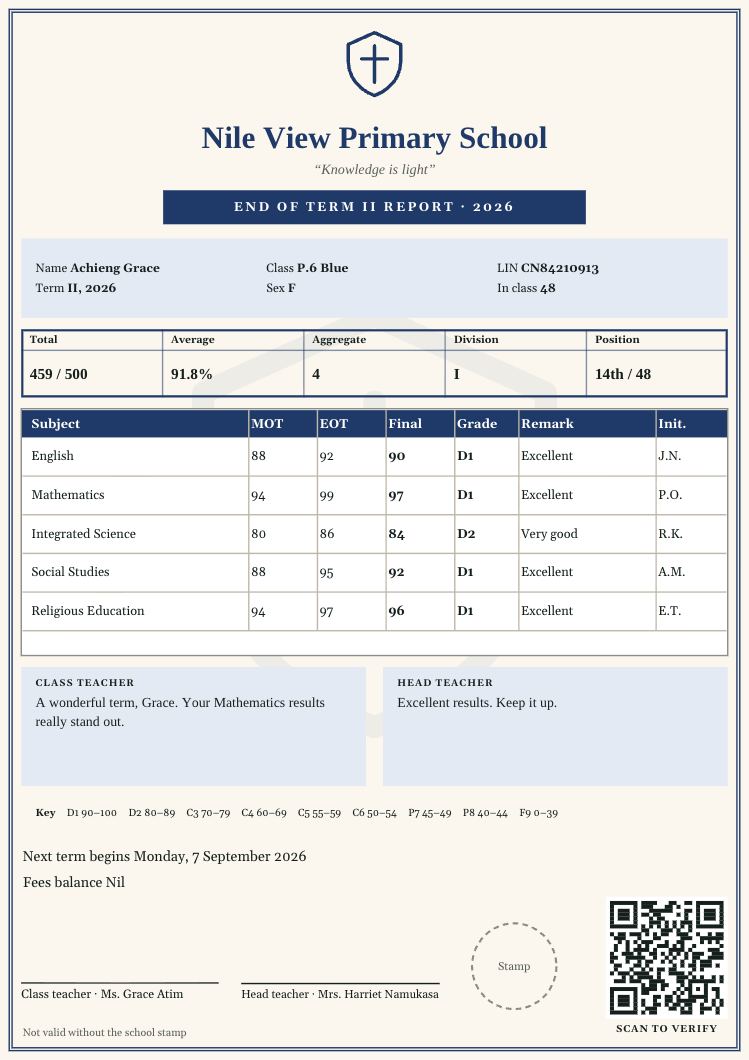
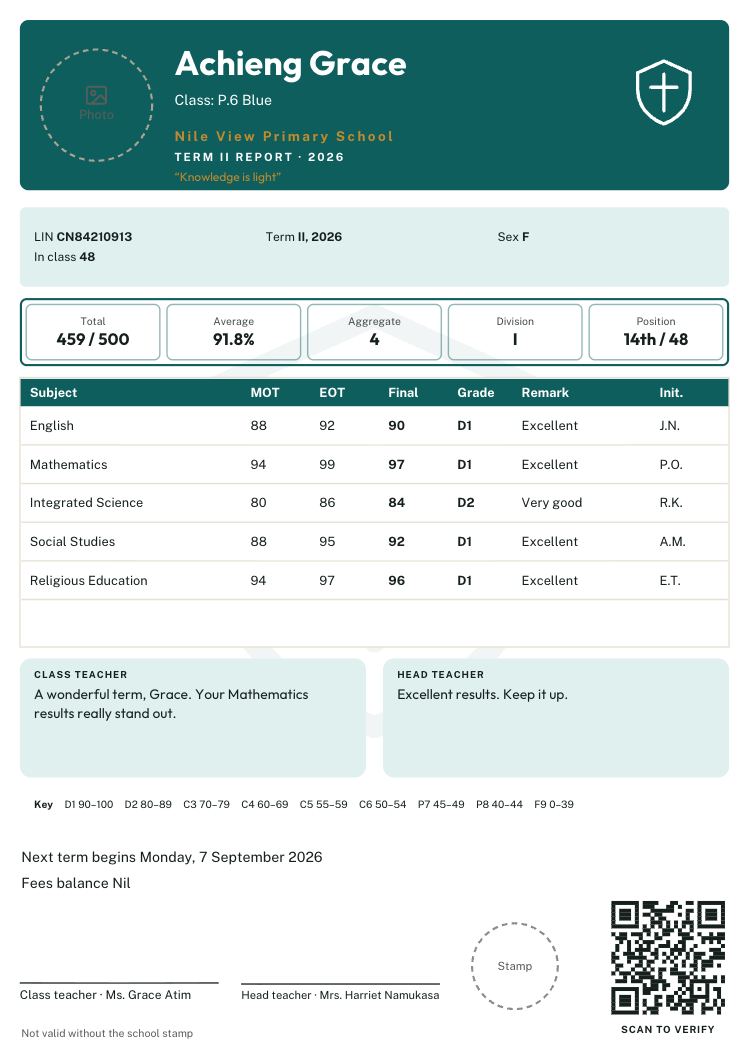
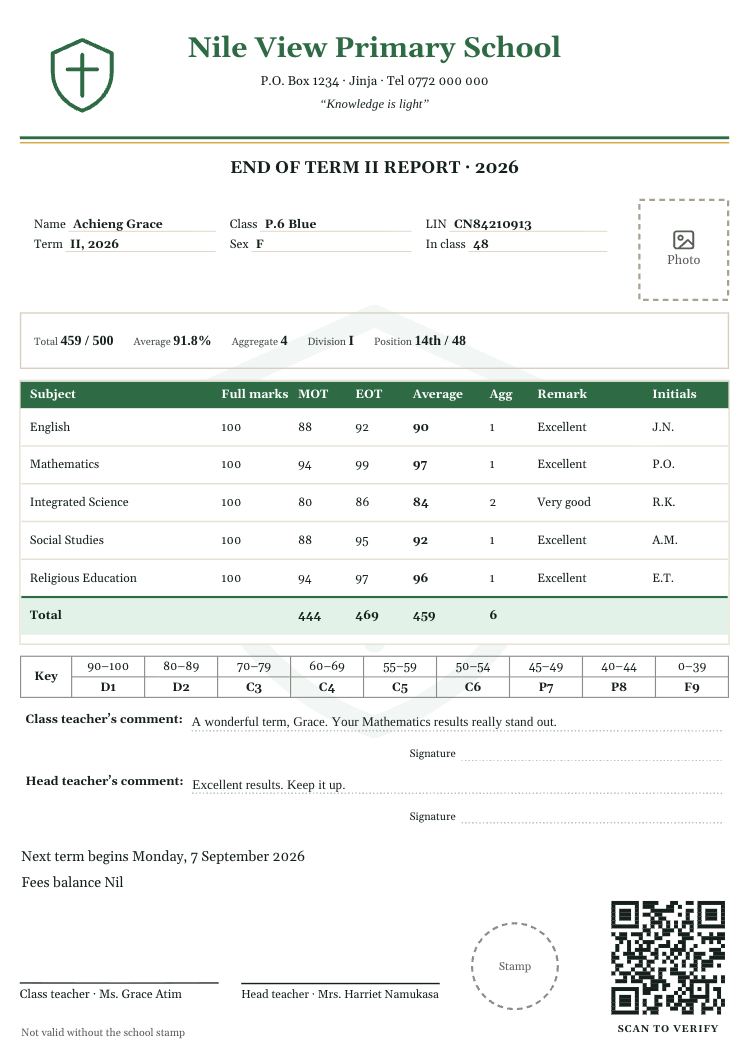
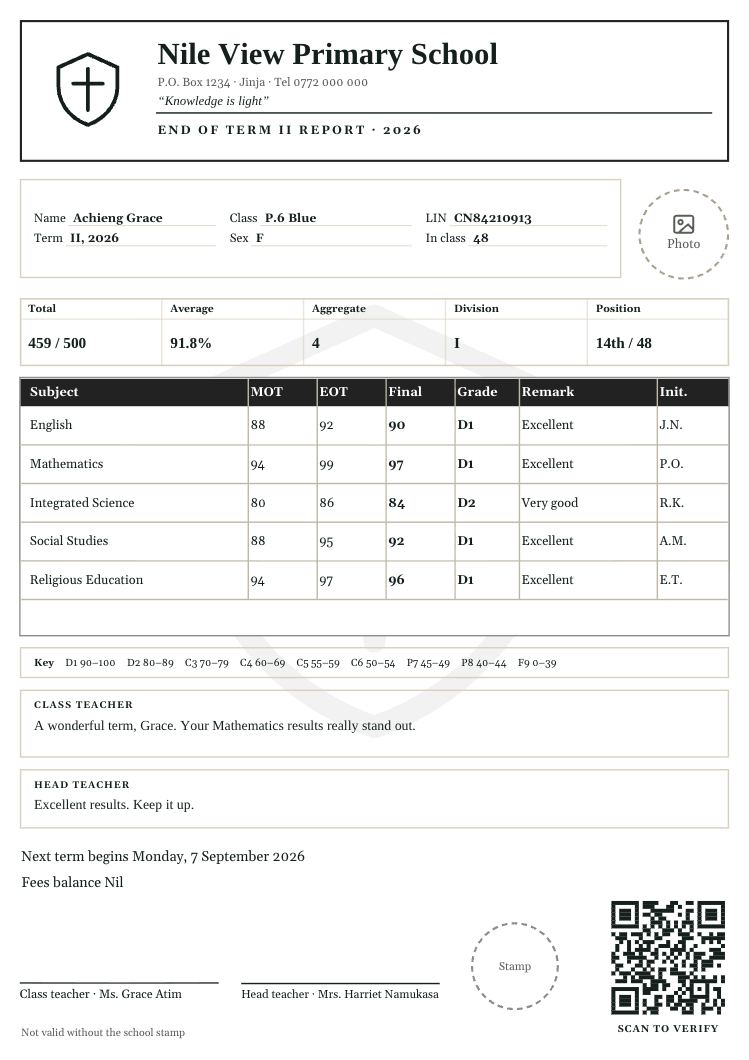
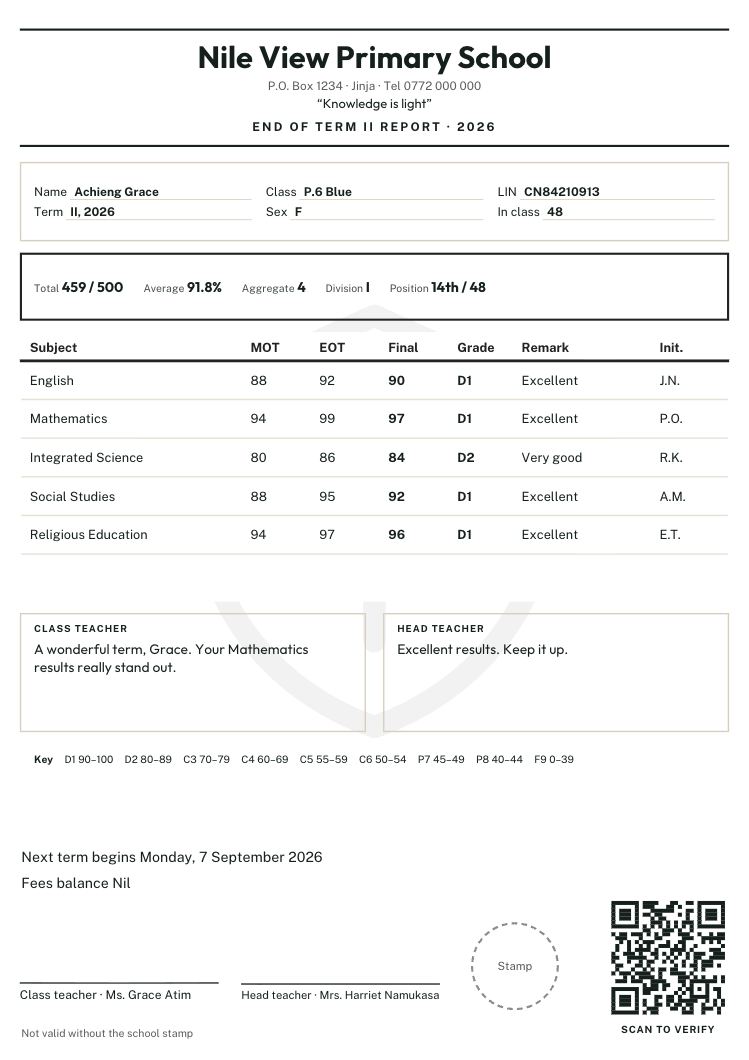
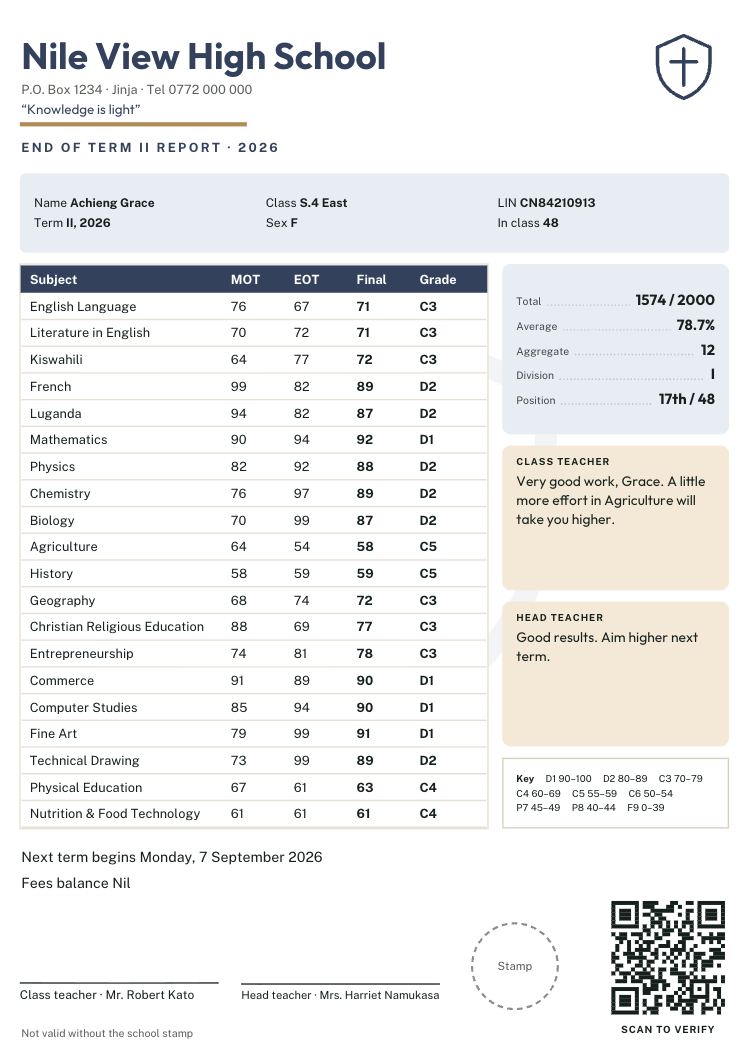
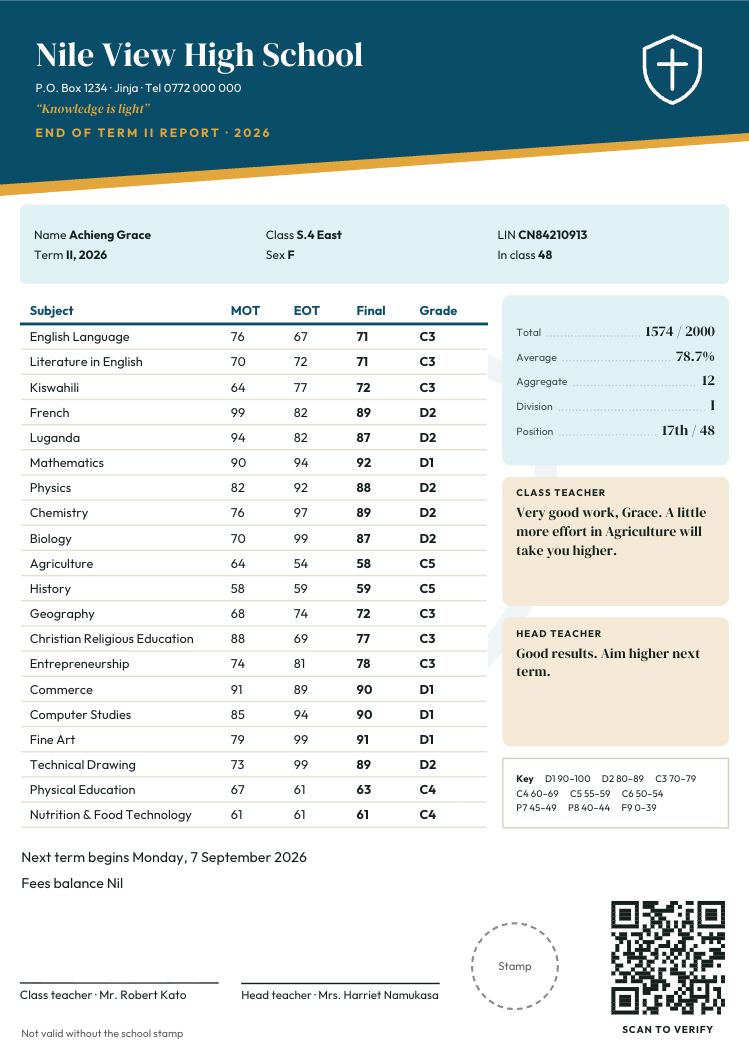
For P.1 to P.7: marks for each subject, grades from D1 to F9, the aggregate of the best four subjects, the division and the position in class. Some have colour bands and rounded boxes; others are calm and formal.
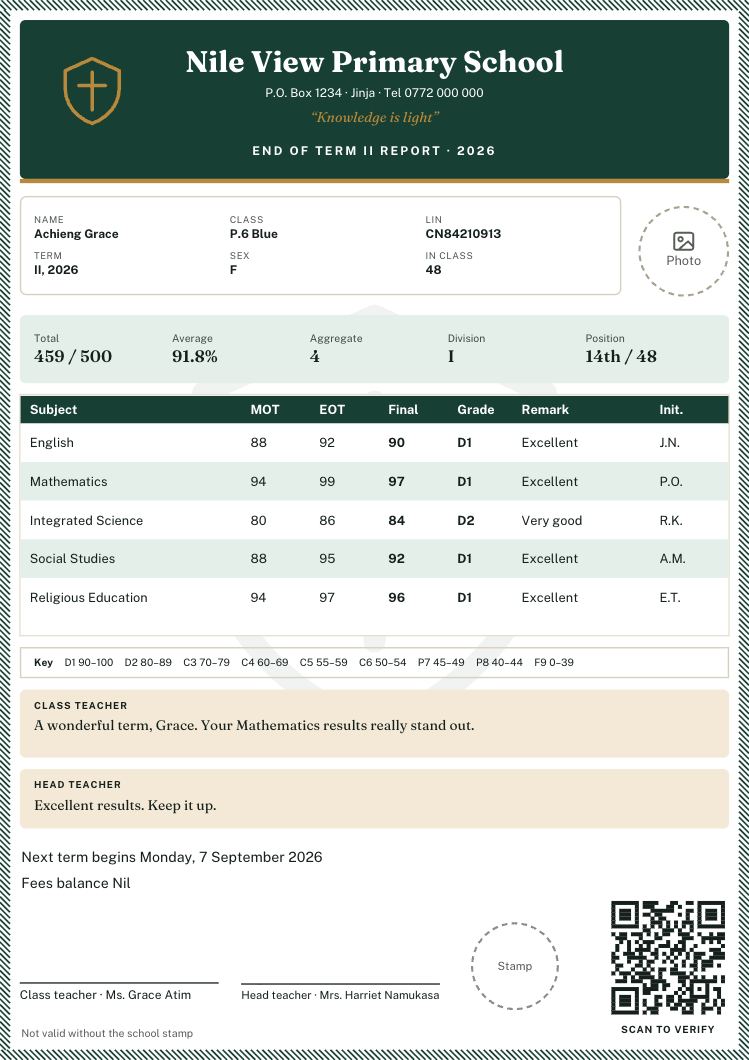
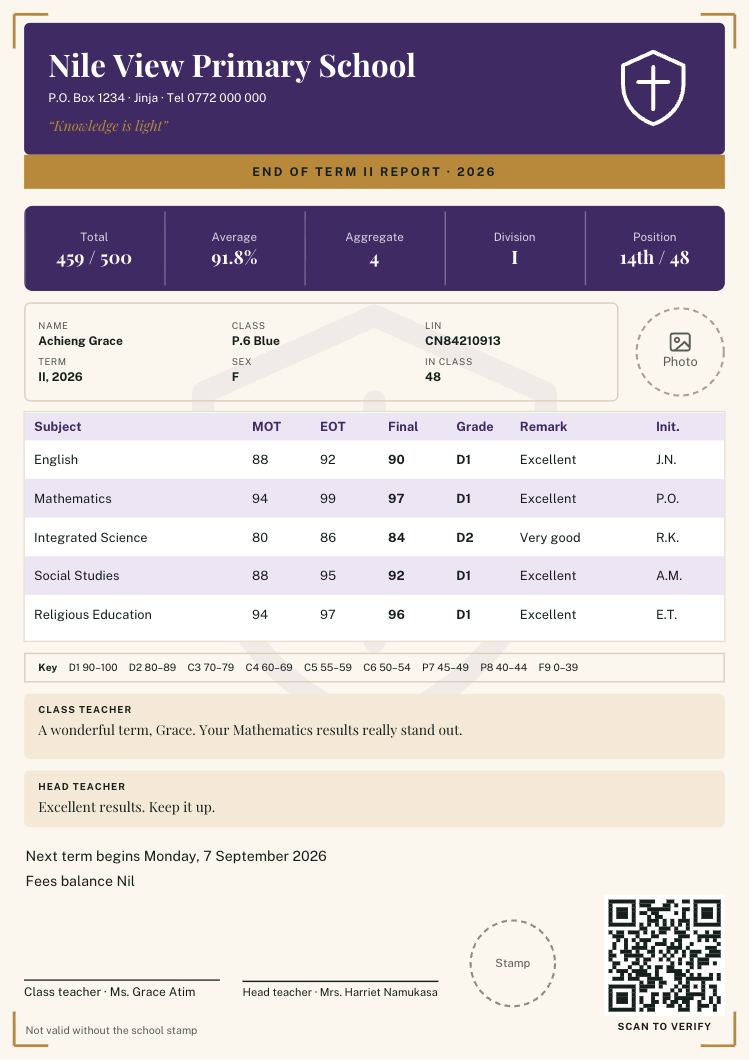
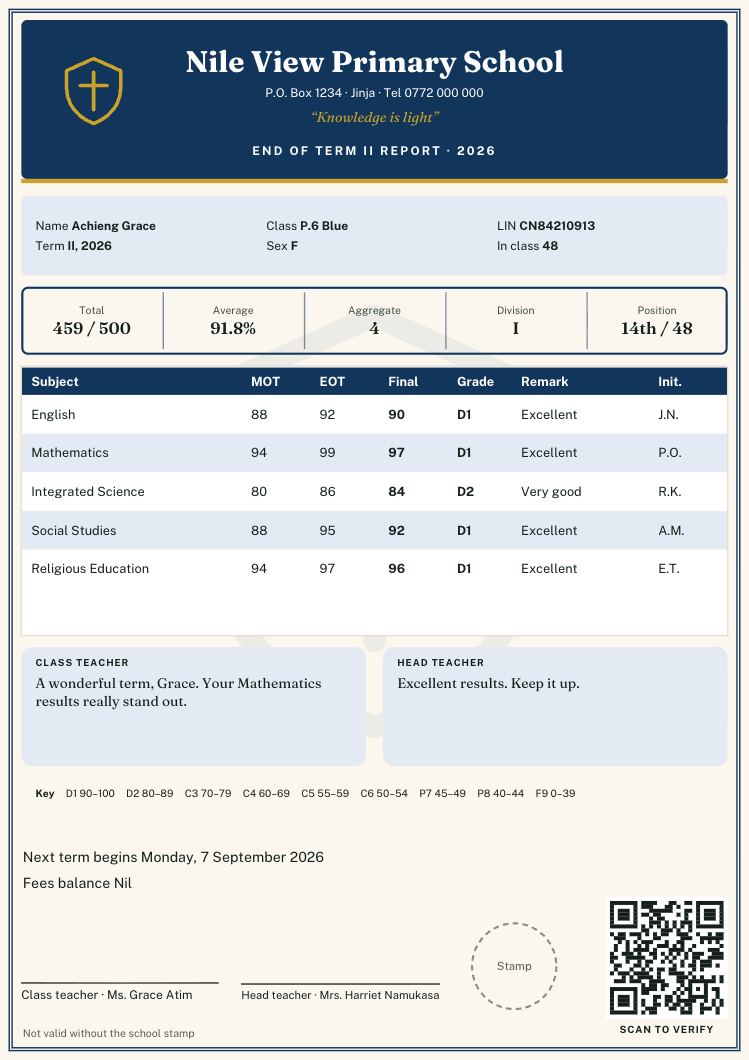
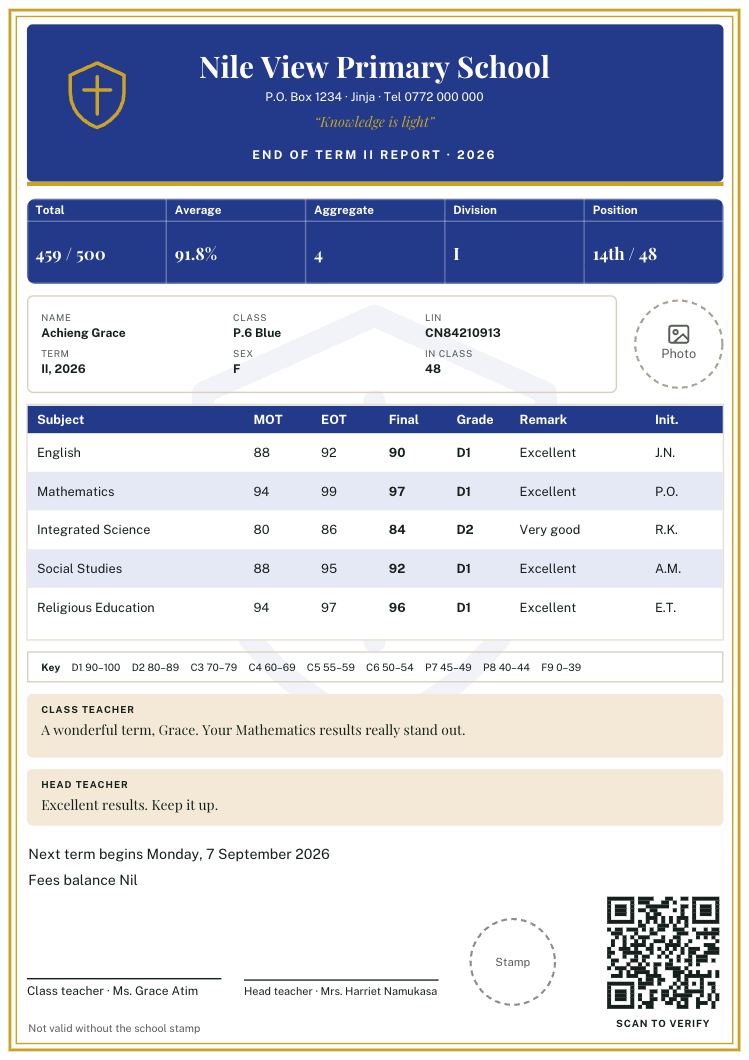
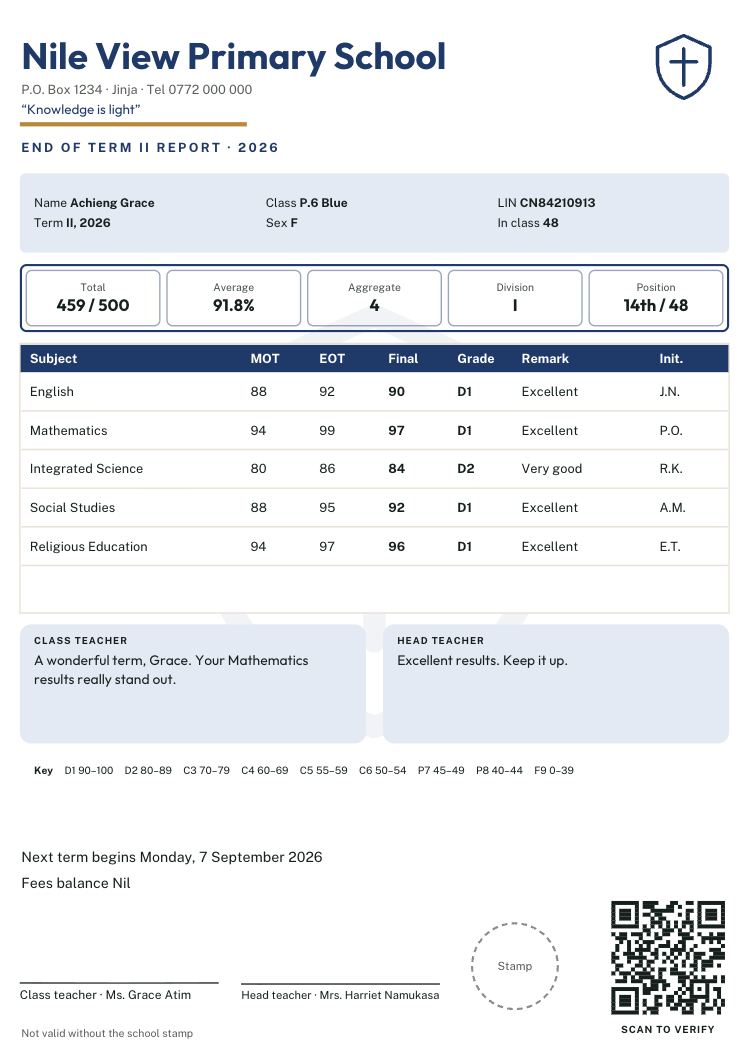
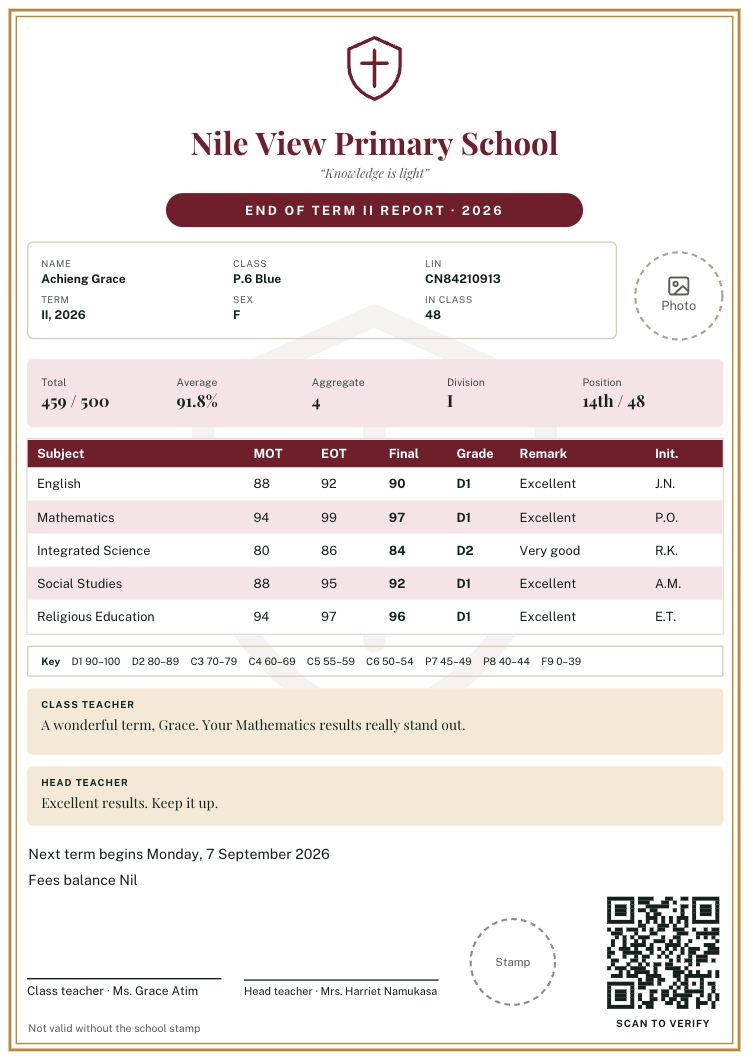
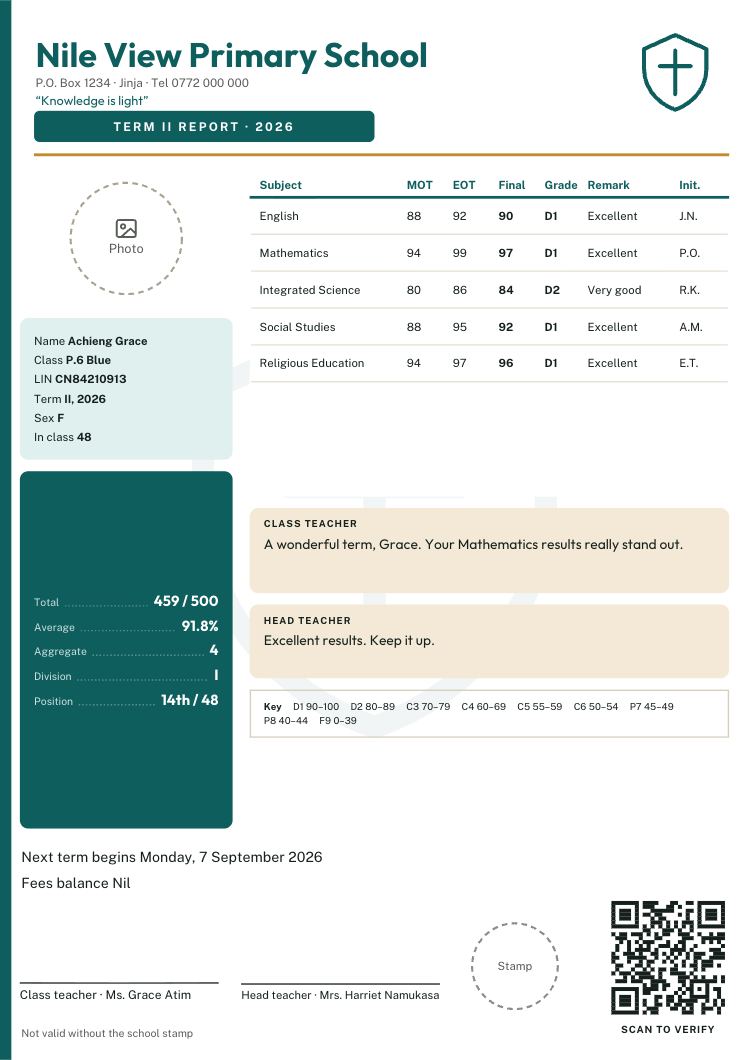
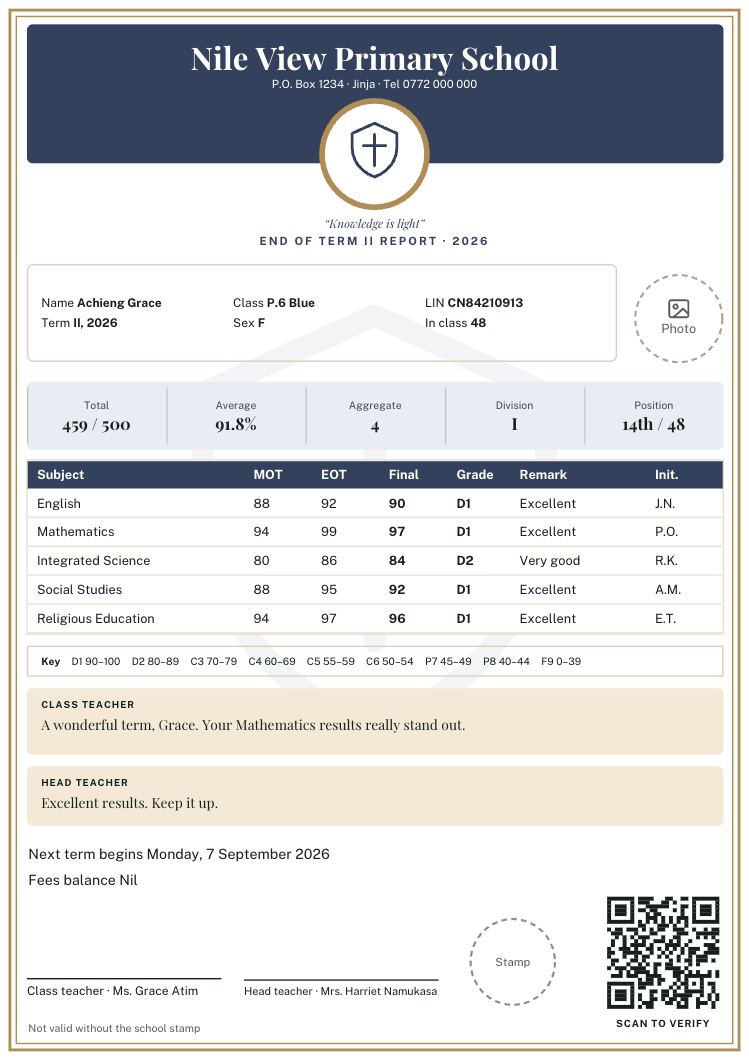
Local classic designs
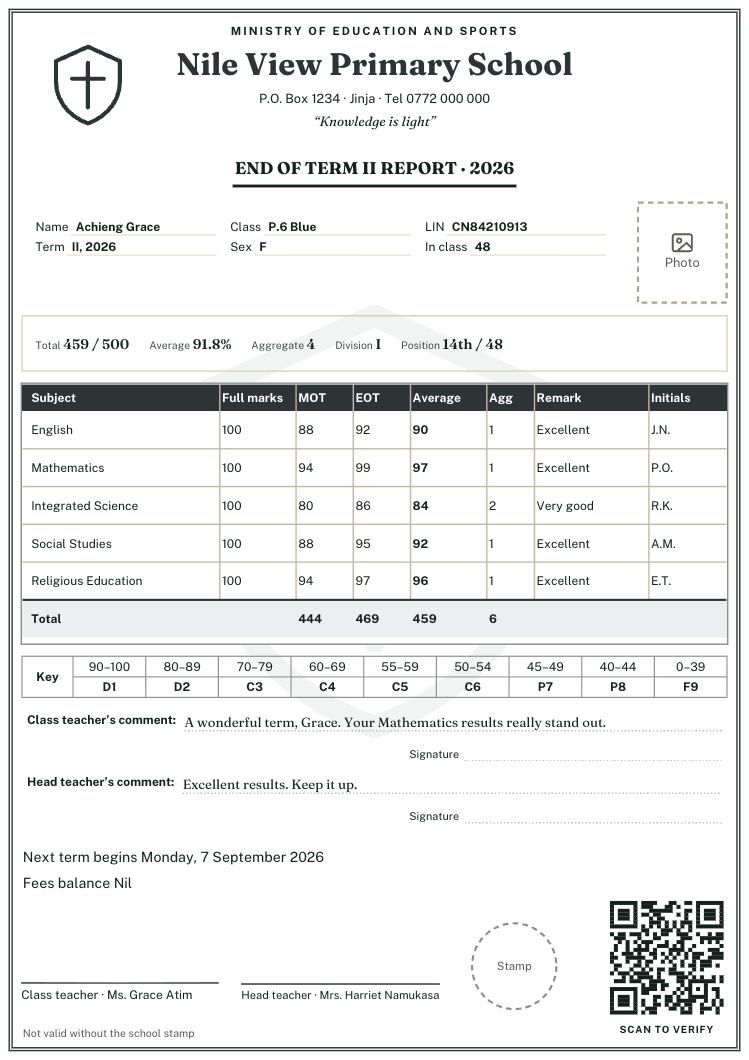
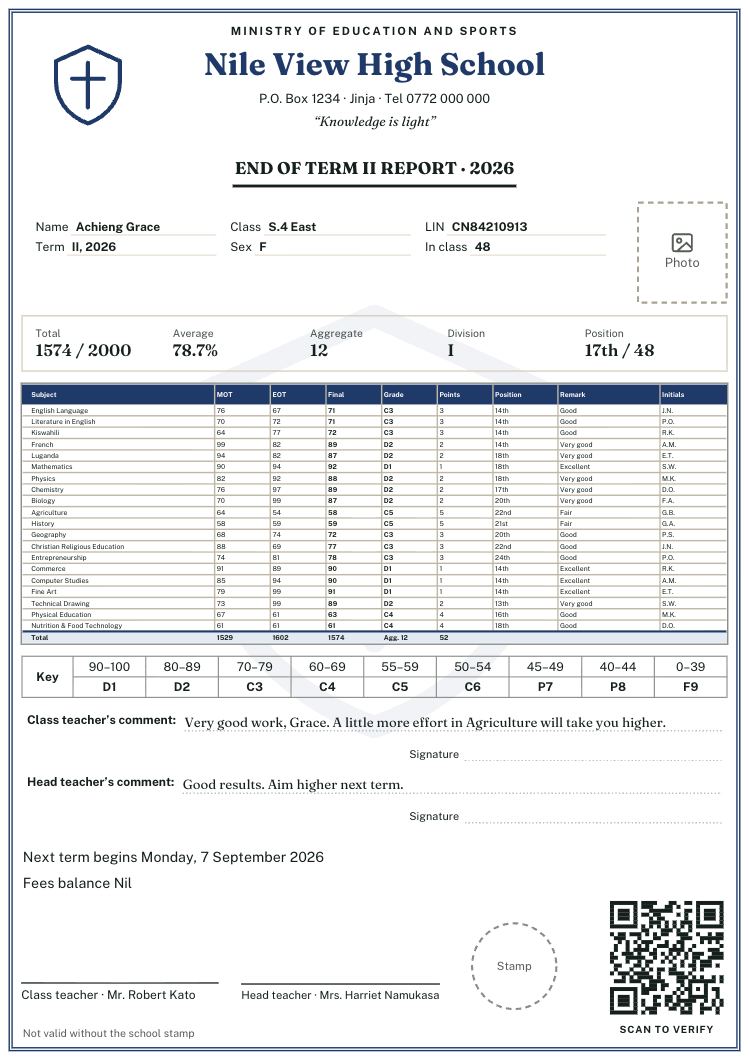
Cards in the style many Ugandan schools already use: the ministry line at the top, a ruled marks table with full marks, aggregates and teachers’ initials, and comments written on lines. Black-only designs print and photocopy well.
Secondary and new curriculum templates
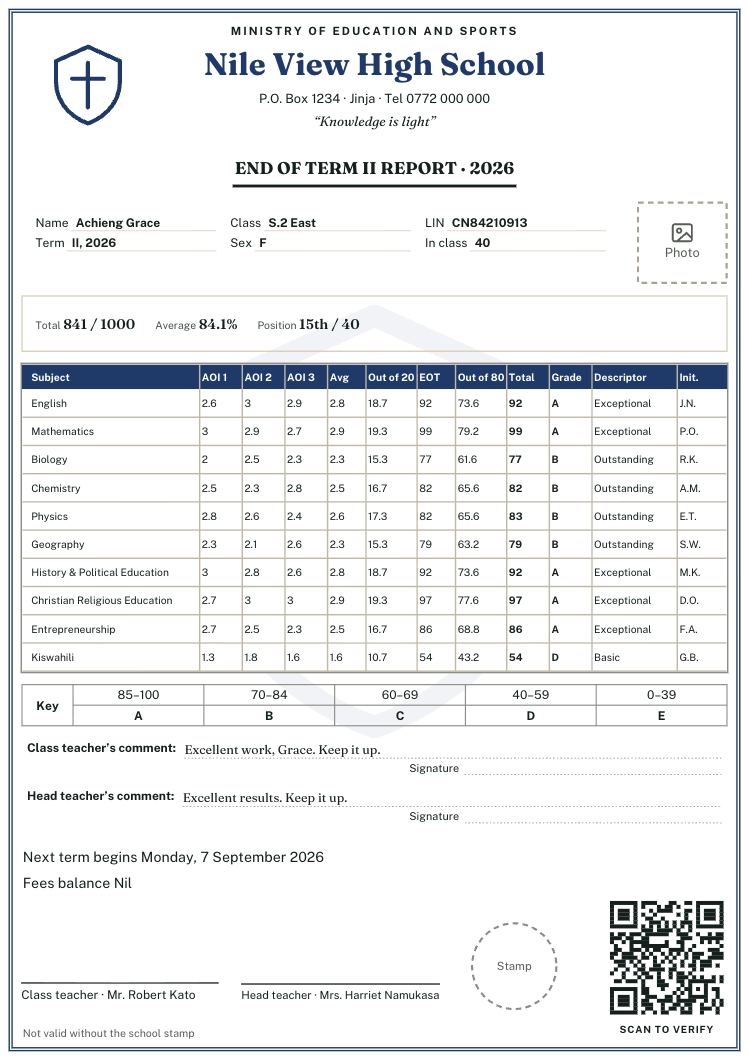
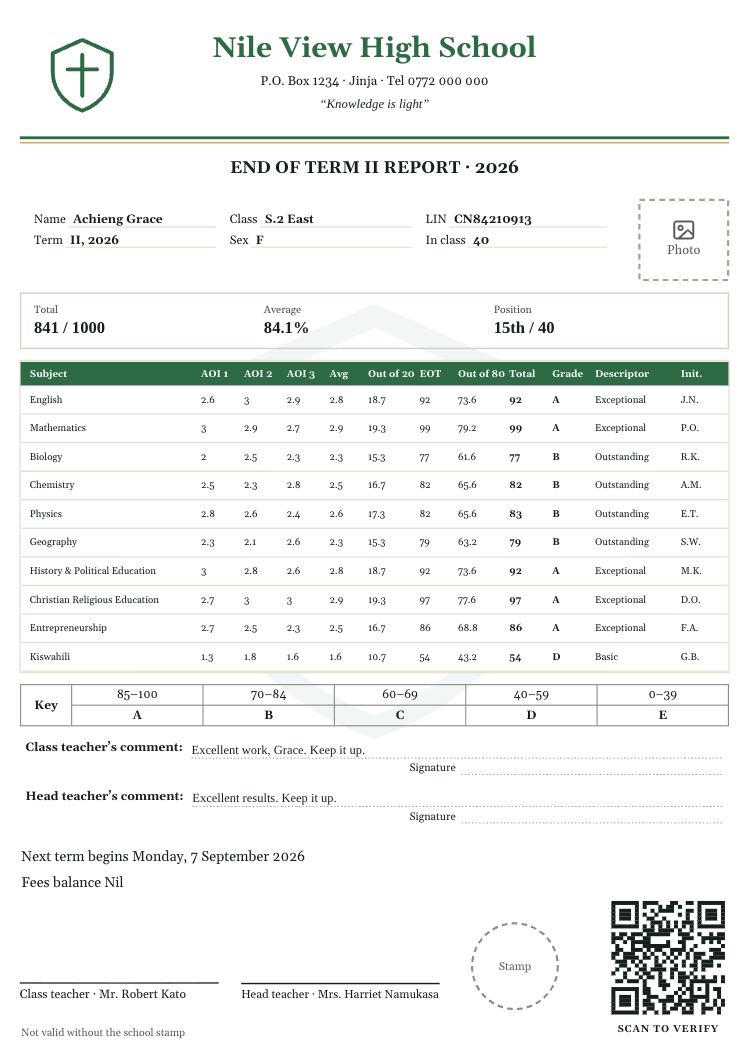
For lower secondary on the new curriculum: activities of integration (AOI) scored 0 to 3, the average, the score out of 20, the end-of-term mark out of 80, the total and the A to E grade with its descriptor. There are also O-level and A-level designs with many subjects.
Nursery report card templates
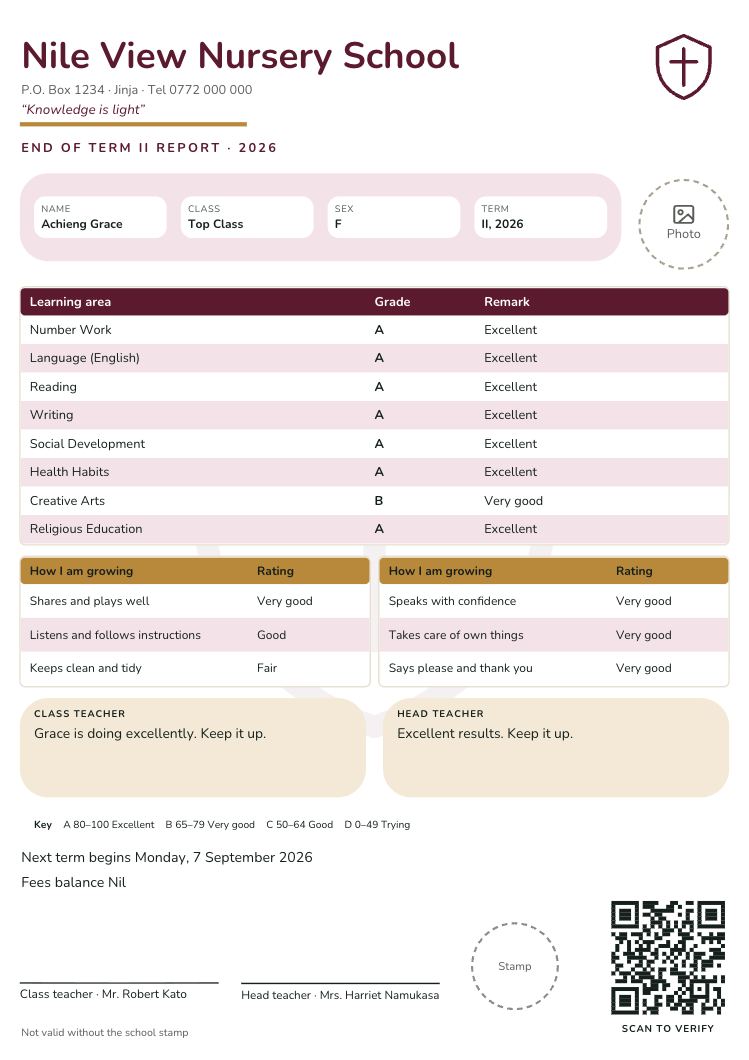
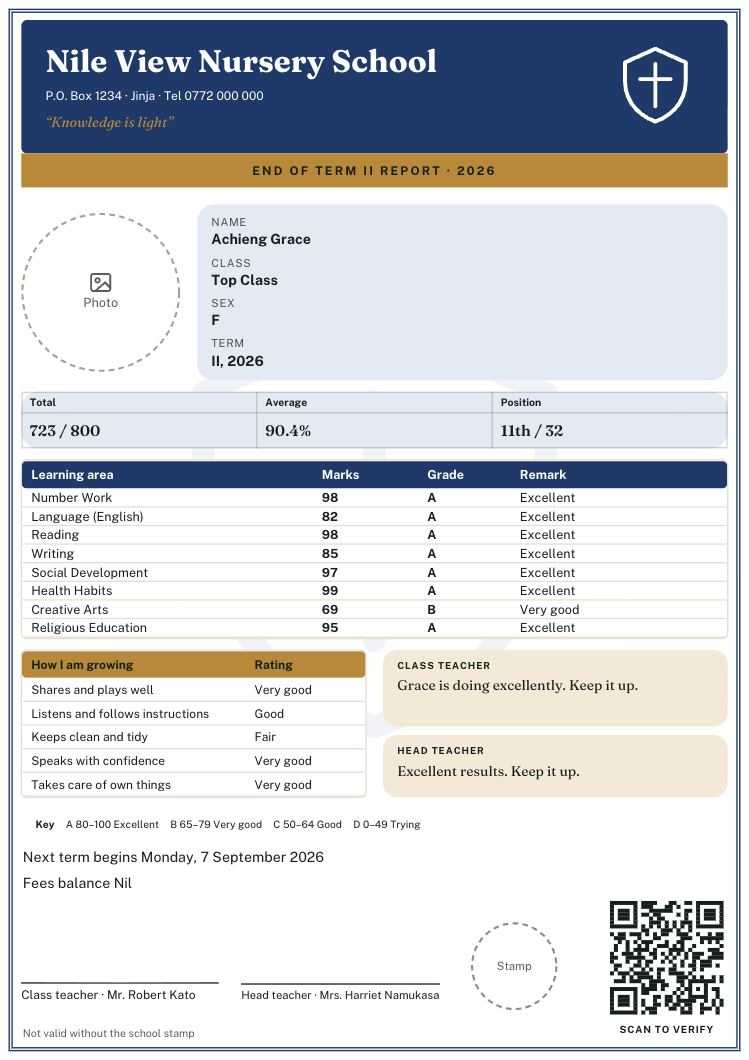
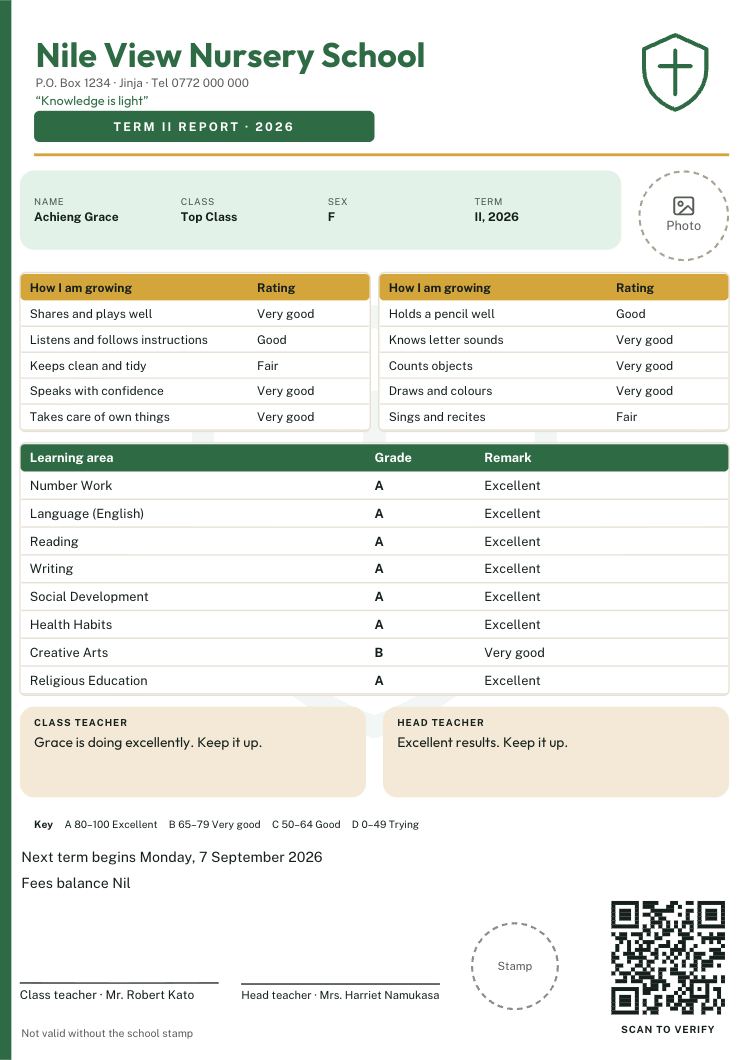
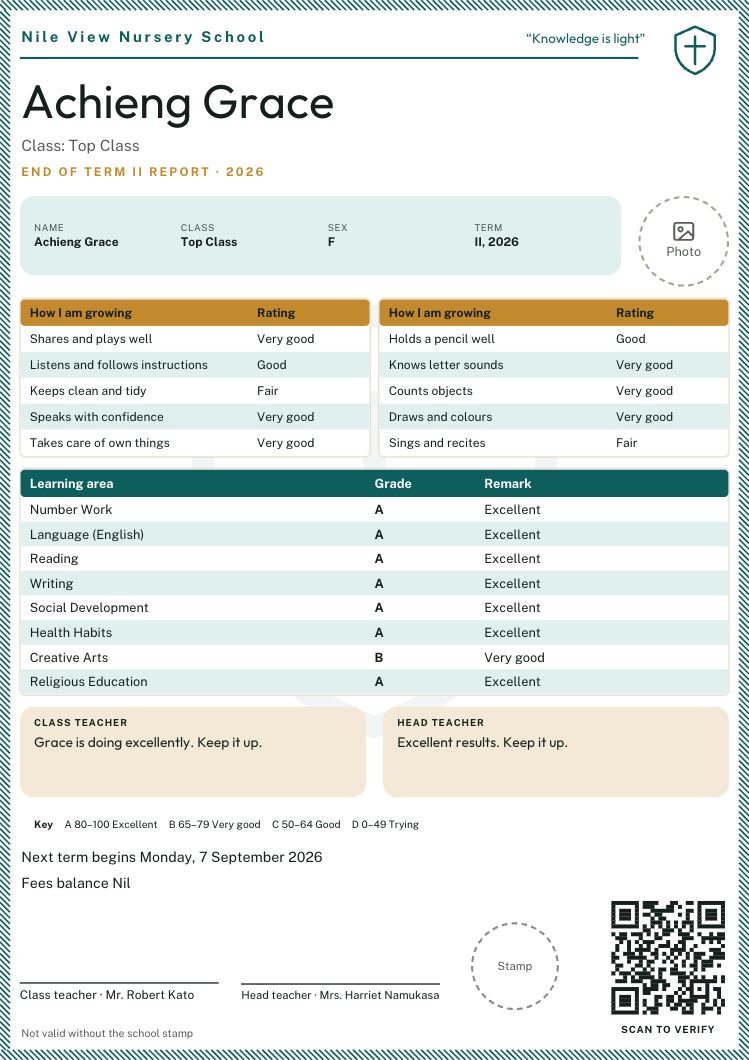
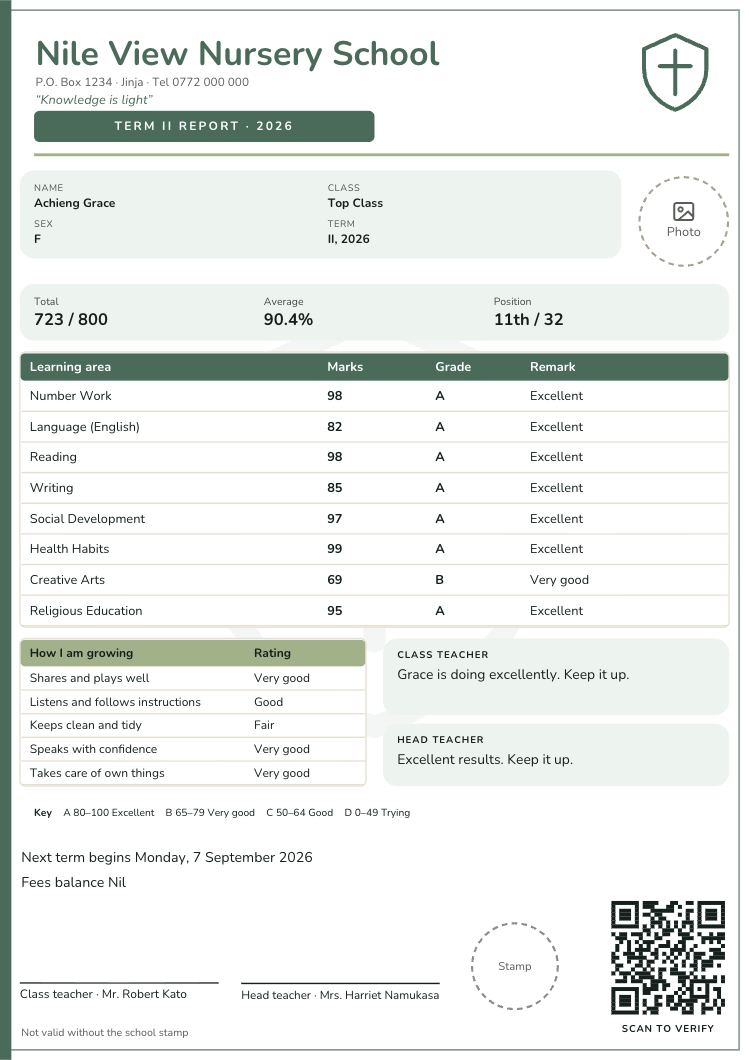
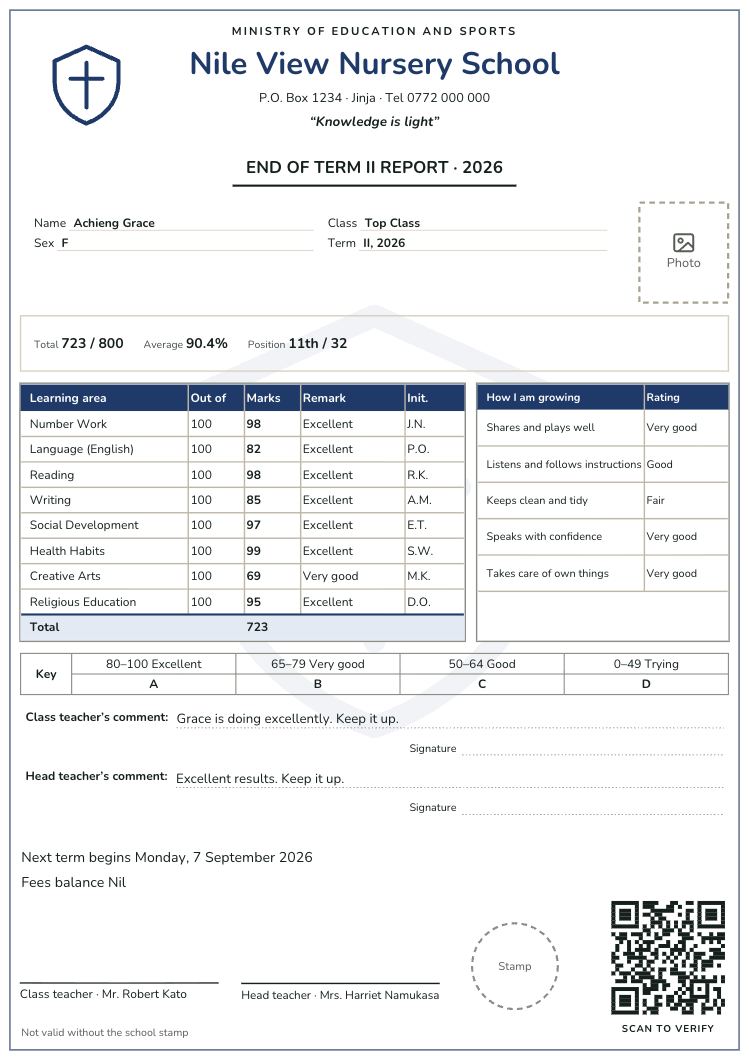
For baby, middle and top class: learning areas with a grade and a kind remark, “How I am growing” skills rated in words, a photo when the parent has agreed, and no positions.
How to choose a design
- How do you print? If you print in black and white or photocopy, choose a design that stays clear in grey, such as Ledger, Photocopy or Ministry Classic.
- How many subjects? Secondary classes with 15 or more subjects need a compact table, such as Senate, Advanced or the new curriculum ledgers.
- Do parents expect the old look? The local classic designs look like the cards many schools have used for years, with the work done for you.
- Is it for young children? Nursery designs show skills and grades in words, with room for a photo.
The examples show a made-up school and learner. On your card, your school’s name, crest, motto, address, subjects, grading and comments appear instead.
Questions schools ask
Can we change a template to look like our current card?
Yes. Start from the closest design, then move, restyle, rename, hide or add any part: the crest, the marks table columns, the comments, the grading key and the signatures.
Are the templates free?
Yes. You can choose a design, make it your own and check every learner’s card for free. You pay for a term only when you print the class.
Do the templates work for the new lower secondary curriculum?
Yes. Three designs are made for it, with activity scores, out of 20, out of 80, total and A to E grades, and any design can take those columns.
Make one of these your school’s card
Pick a design, add your crest and details once, and Report Card Studio fills in every learner’s marks, grades, aggregate, division, position and comments. Free until you print.
Questions? Call or WhatsApp 0784 150 327, or email [email protected].