Report card design: 12 tips for a card parents actually read
Updated 24 October 2026
A good report card looks like your school, fits on one page, and lets a parent find the important numbers in seconds. These twelve tips get you there.
- One A4 page. Everything on one side: parents lose second pages.
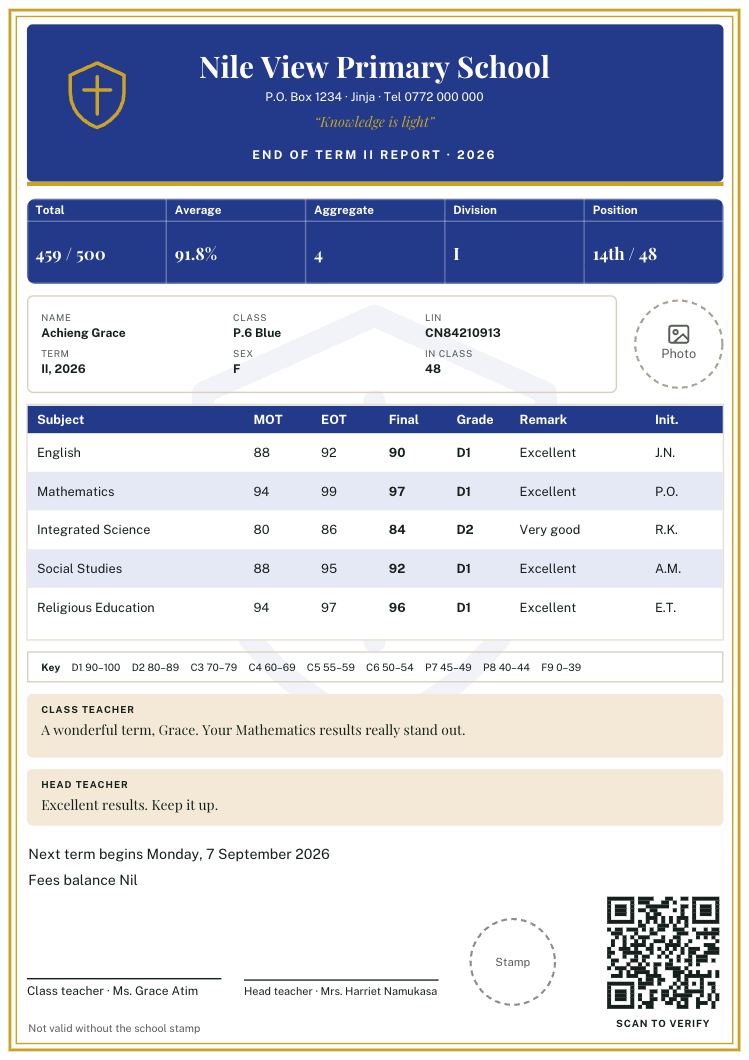
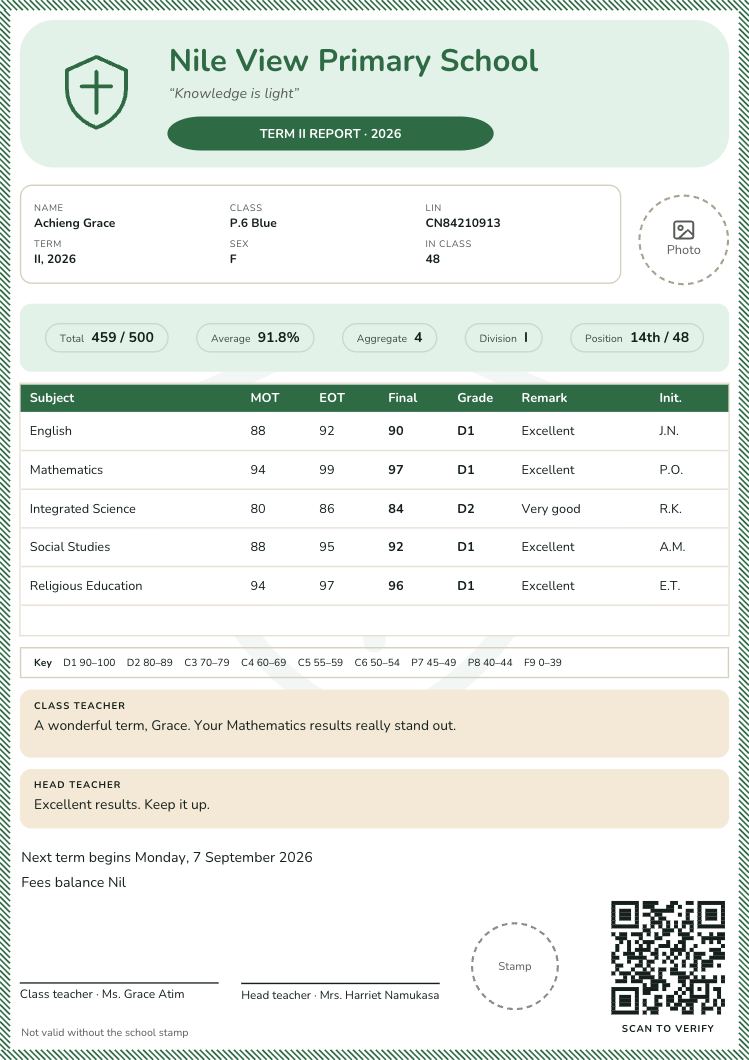
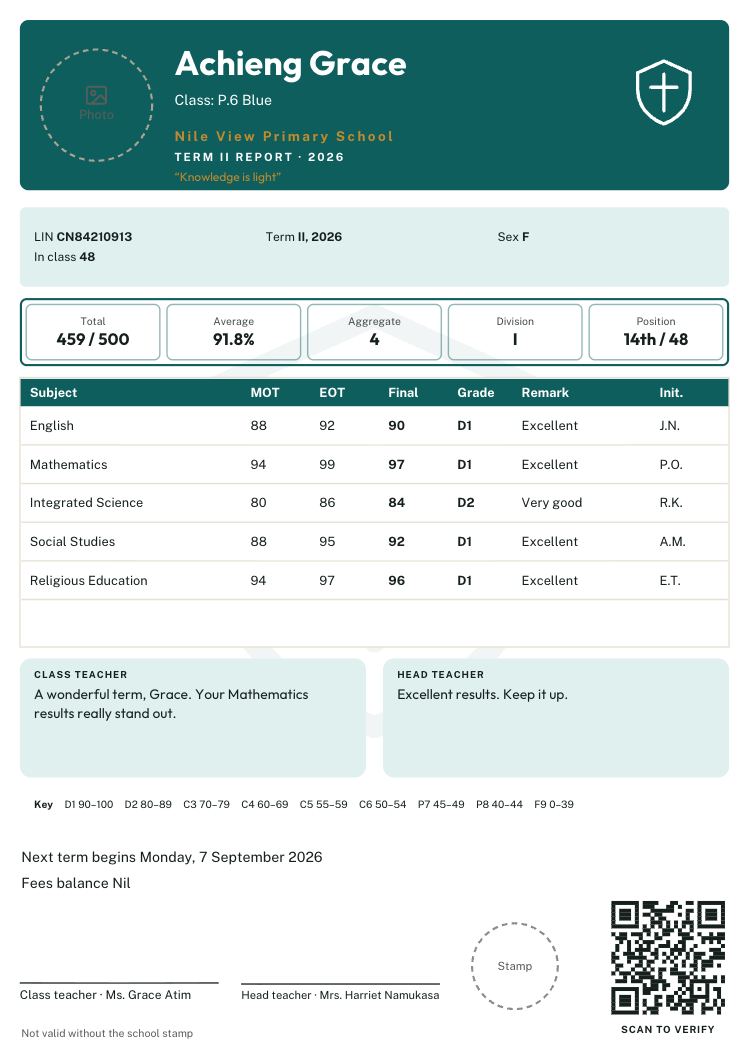
- Results where the eye lands. Put the total, average, aggregate, division and position in one line or box near the top or right beside the marks.
- Your crest and colours. One or two school colours, used for headings and bands, make the card look like yours.
- Two fonts at most. One for headings (often a serif) and one for everything else.
- Readable sizes. Nothing smaller than you can read at arm’s length, especially marks and comments.
- Colours that print. Check the card in black and white. Light yellow or pale green can vanish.
- Only the columns you use. Every empty column squeezes the rest.
- Room for comments. Two or three lines each for the class teacher and head teacher, or ruled lines if you write by hand.
- A grading key. A small line or table showing what each grade means.
- Names in normal letters. “Nakato Sarah” is easier to read than “NAKATO SARAH”.
- Photos only with consent. If you include photos, print them only for learners whose parents agreed.
- Check the longest case. Test with the learner who has the longest name and the most subjects. If it fits, every card fits.
See the designs
Thirty designs, each filled in with an example learner: report card templates for Ugandan schools →
Design your card in minutes
Start from a template, then move, restyle, re-word or hide any part. Report Card Studio checks that nothing overlaps or gets cut off, so every learner’s card fits on one page. Free until you print.
Questions? Call or WhatsApp 0784 150 327, or email [email protected].